 Nitidea
Comparison · Resizing or AI
Enlarging a photo: resizing in an editor, or AI?
Every image editor can make a photo bigger. The result is larger, but soft: edges blur, textures turn to mush, small text becomes unreadable. AI enlargement works differently, and is why a small photo can now become a sharp large one. Here is what each does, and when each is the right tool.
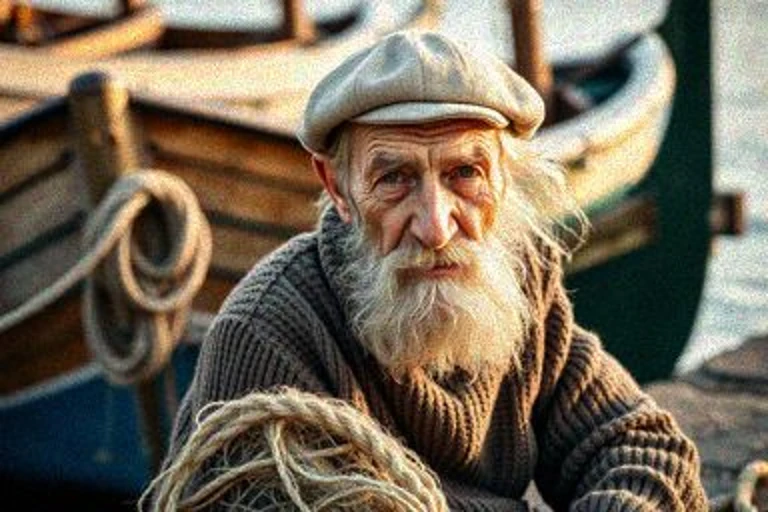
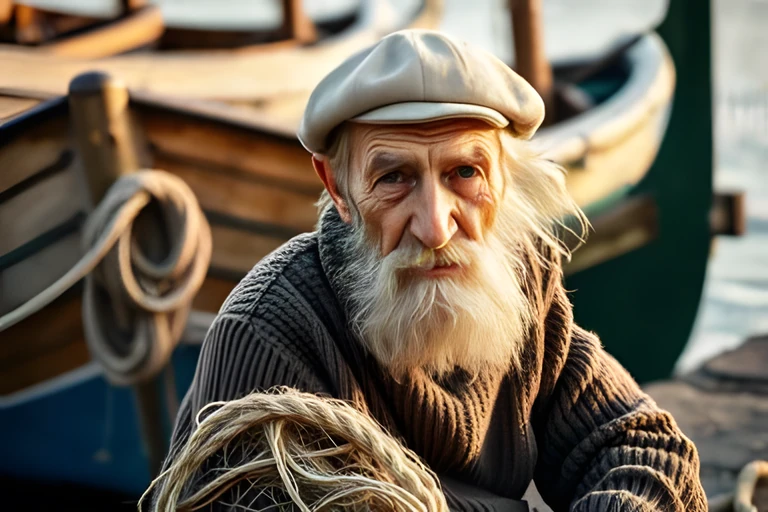 BeforeAfter
What resizing does
When an editor enlarges a photo, it has to invent the new pixels between the old ones. It does that by interpolation: each new pixel is a weighted average of its neighbours. Nothing new is added, so the detail is spread over more pixels: twice the size looks twice as soft. Sharpening afterwards adds contrast at the edges, and halos with it, but not the detail that was missing.
What AI enlargement does
An AI model trained on many pairs of small and large photos has learned what edges, textures, hair, foliage or lettering look like at full size. Nitidea uses such a model to rebuild the detail an enlargement needs, so the bigger photo looks sharp instead of stretched. Noise and JPEG blocks are cleaned along the way.
In Nitidea choose Bigger, then 2 times or 4 times, or To print and a paper size, and press Enhance: the result opens before and after at 100%, and Change and redo makes it again if you want another choice.
What AI cannot do
The rebuilt detail is a plausible guess, not a record of what was in front of the camera. That is what makes the result look sharp, and also why an enlarged photo should not be used as evidence or to identify someone. A photo that was out of focus or shaken when it was taken improves, but cannot become perfectly sharp.
Side by side
The same photo, enlarged 2× and 4× both ways.
Edges and fine detail
Resizing in an image editor: Soft, more so the bigger you go
AI enlargement (Nitidea): Rebuilt, sharp at 2× and 4×
Noise and JPEG blocks
Resizing in an image editor: Enlarged with the photo
AI enlargement (Nitidea): Cleaned along the way
Faithfulness
Resizing in an image editor: Adds nothing that was not there
AI enlargement (Nitidea): Adds plausible detail: not for evidence
Speed
Resizing in an image editor: Instant
AI enlargement (Nitidea): Seconds with a graphics card, minutes without
For a print
Resizing in an image editor: Set the size by hand
AI enlargement (Nitidea): To print: paper size in, 300 dpi out
Cost
Resizing in an image editor: Part of any editor
AI enlargement (Nitidea): Free up to 2× and 8 MP (or the original’s size); Pro 19 € once for 4×
Plain resizing is still right for a small step up, for graphics and screenshots with flat colours, and whenever the pixels must stay exactly what the camera recorded. For photos, AI enlargement gives a sharper result.
Questions
How much can a photo be enlarged?
Nitidea enlarges 2× in the free version, with results up to 8 megapixels, or the original’s size if larger, and 4× with Pro, with no size limit. For a print, it enlarges just enough to reach 300 dpi on the paper you choose.
Will the result look painted?
Nitidea is tuned to keep a photo looking like a photo: the Natural look, the one it starts with, enlarges without inventing detail. The result opens at 100%, before and after, so you judge for yourself, and Change and redo tries the other look.
Is the original changed?
Never. The result is a new file, with the original’s date, camera and colour profile.
The step-by-step guide: enlarging, noise, chat photos, prints, old photos →
See the difference on your own photo
The free version enlarges 2× with no watermark: enough to compare with what your editor does.
Free version with no watermark and no time limit. Pro: 19 € + VAT once, 12 months of updates, on 2 PCs.
More use cases
Enhance photos offline
Online photo enhancers or an app on your PC: where your photos go, limits and costs.
Without a subscription
Subscriptions, credits or a one-time license: what each costs you over time.
Old digital camera photos
Small, grainy photos from early digital cameras and phones, made clean and bigger.
Digitising a photo album
Scan, repair, archive and reprint a family album, without sending it anywhere.