 Nitidea
Old, grainy or small photos? Bring them back to life.
Nitidea removes the noise from your photos, enlarges them 2× or 4× and, with Pro, restores old ones and enhances videos: scratches and dust go, black-and-white prints and films get colour, videos grow up to 4K. All with artificial intelligence, on your own Windows PC: nothing leaves it, and the original is never changed.
On your PC, nothing is uploaded · Free version with no watermark. No account, no subscription.
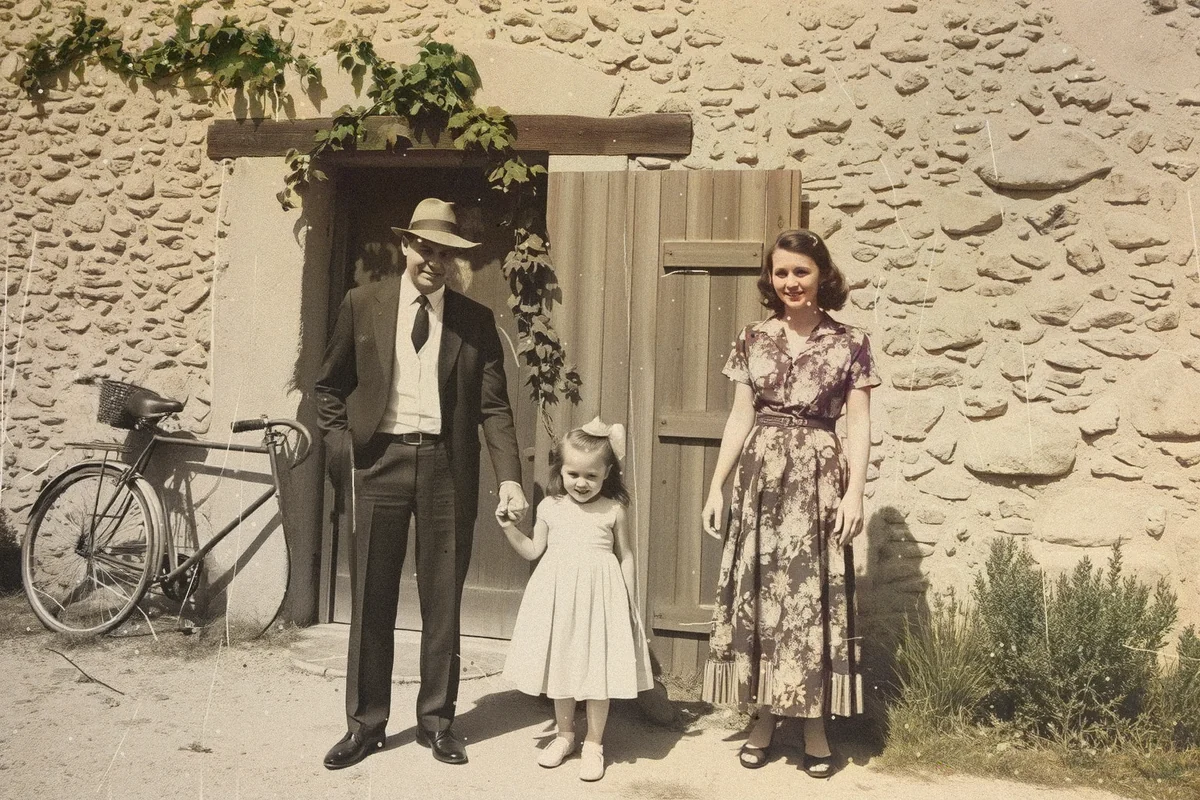 BeforeAfter
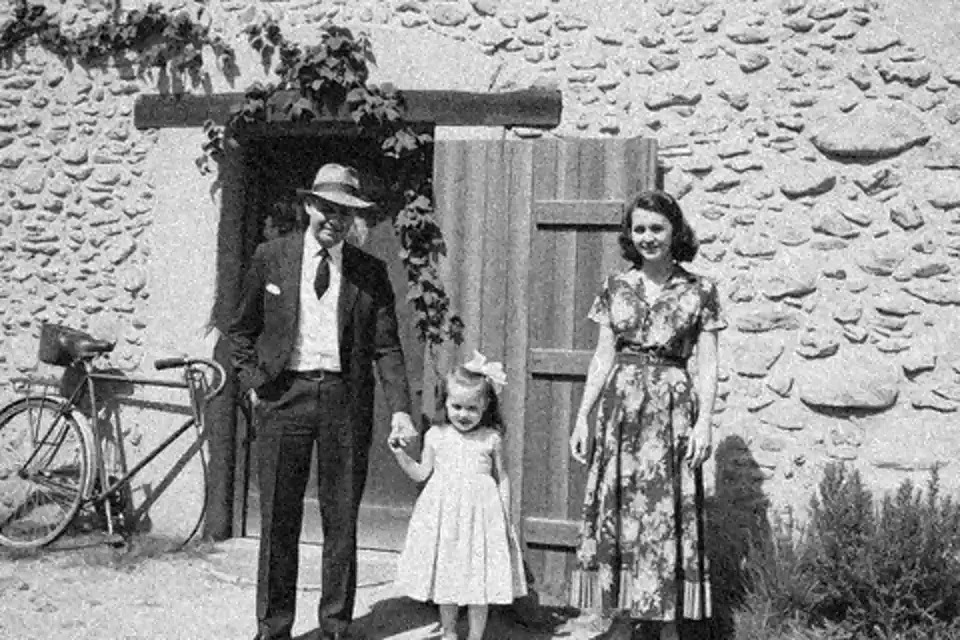
A sample picture created with AI, aged on purpose with scratches, dust and fading, then restored with Nitidea Pro: Old photo, with Remove scratches and dust and Add colour. The colours are a likely guess. Drag the line.
Examples
See the difference
Real results from the app. The sample pictures were created with AI for this page, then spoiled on purpose the way the years, dim light or a chat app would. Drag the line to compare.
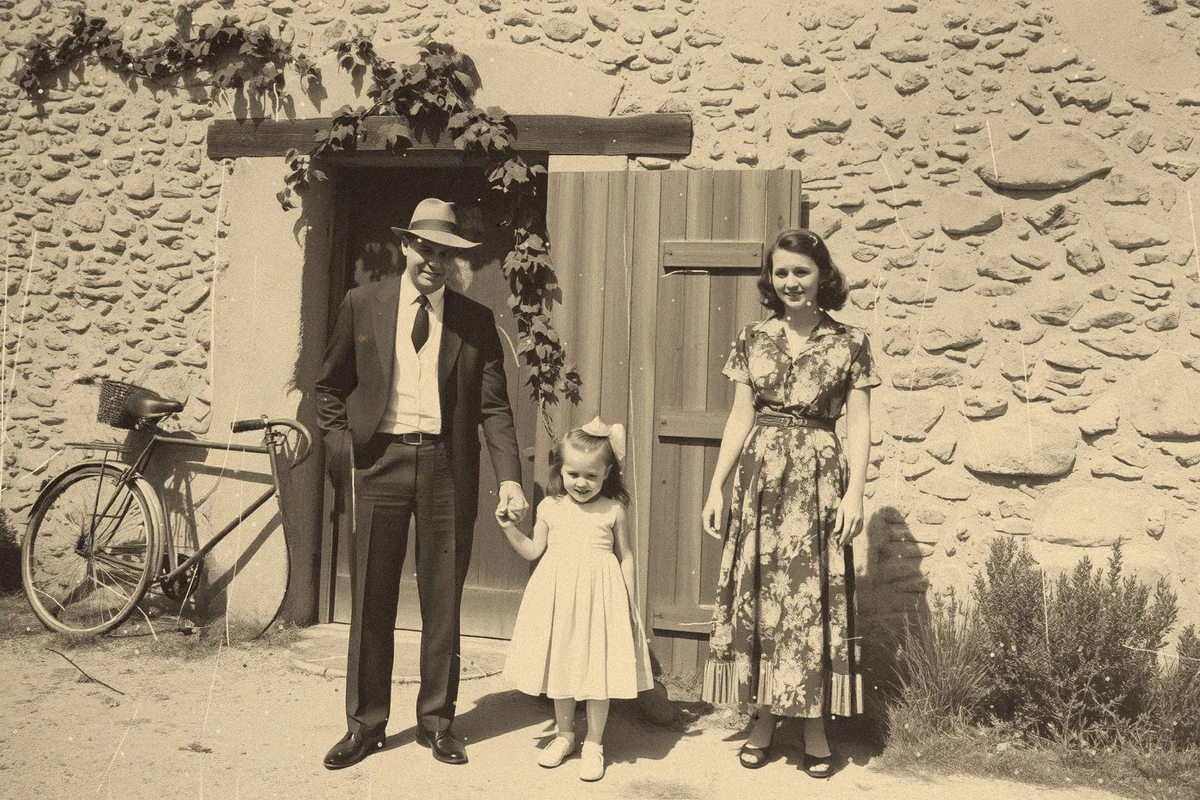 BeforeAfter
A print aged with scratches, dust and a crease. Old photo, with Remove scratches and dust alone: the photo stays black and white.
Old photos
The family album, like new
Prints fade, crack and pick up scratches. Nitidea repairs them on your PC, colours them if you want, and gets them ready for a new print.
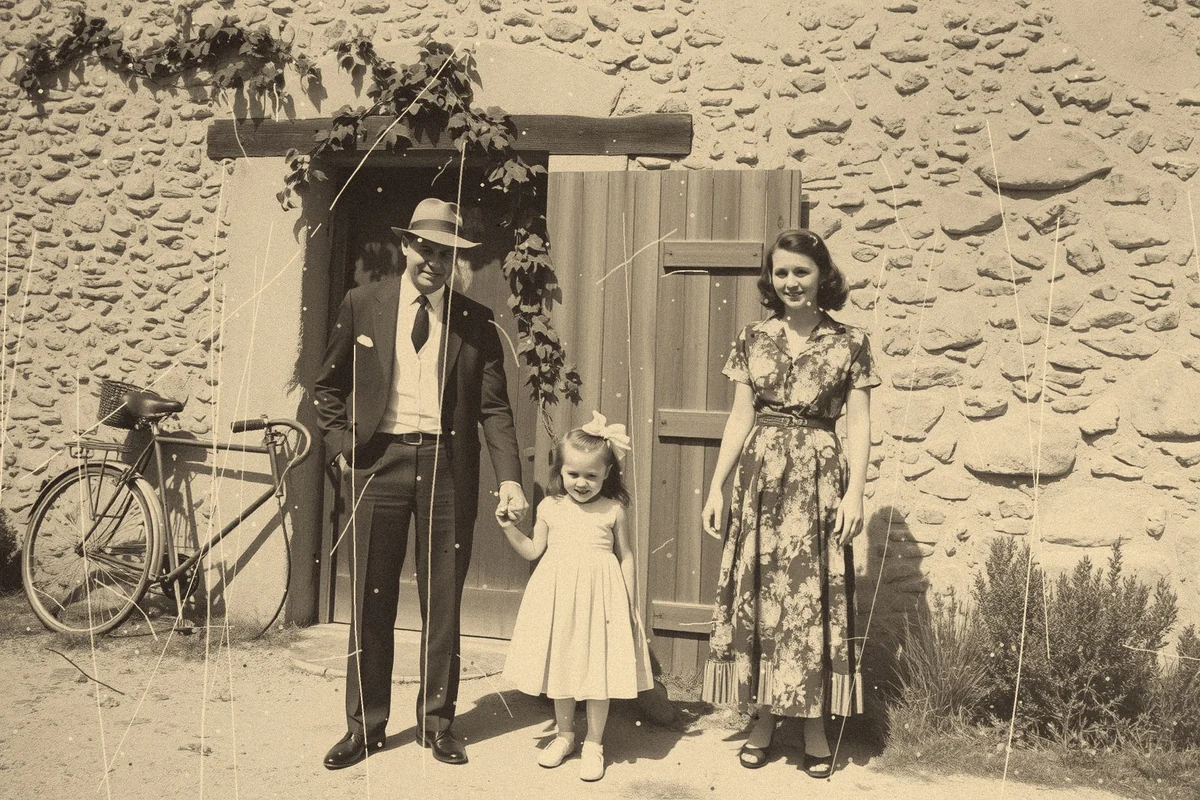 1. Scan the printWith a scanner, or photograph it flat in even light. Then drag it into Nitidea.
- 2. Repair and colourChoose Old photo: Remove scratches and dust fills in scratches, cracks and specks, Add colour gives it colour. The result opens before and after as soon as it is saved.
- 3. Print it againEnlarge too makes it 2 times bigger in the same go; for a larger print, the restored photo can go through Bigger, To print, and the paper size, up to A3.
Every Pro feature on your own photos, no payment details. During the trial, restored photos carry a small watermark.
The colours are a likely guess by the AI, not the real ones. Not convinced? Change and redo makes it again with other choices.
Restoring old photos, step by stepVideos
Now your videos too
Home movies, camcorder tapes, phone clips: Nitidea Pro enhances them frame by frame on your PC and saves an MP4 with the original sound.
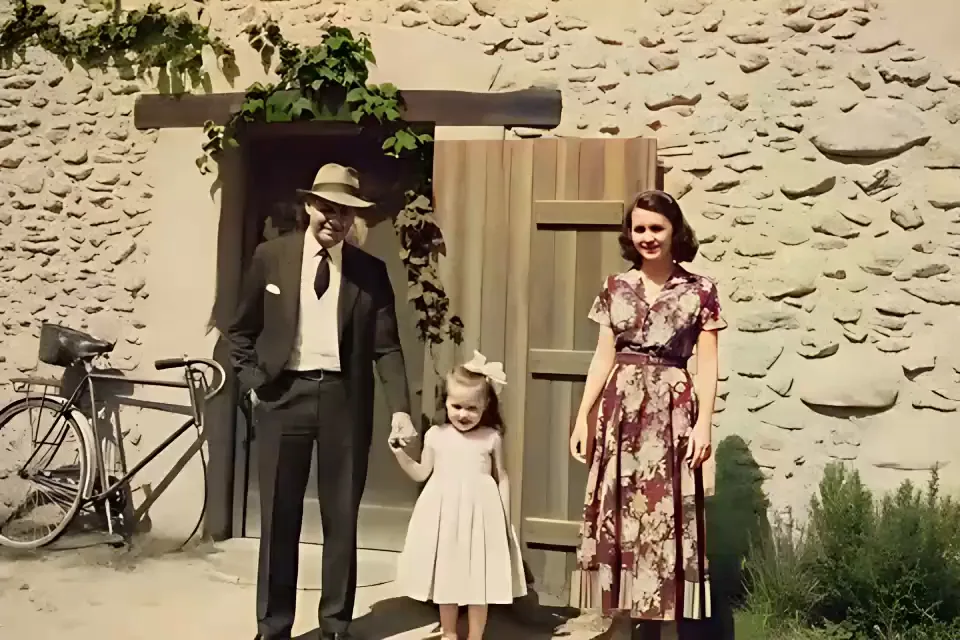 BeforeAfter
A sample clip made from a picture created with AI, black and white with grain and flicker added on purpose: Old film, with Add colour, Steadier light and Enlarge too 2 times. The colours are a likely guess. The clip plays in a loop, without sound.
Up to 4K
Bigger, 2 or 4 times: 720p becomes Full HD, Full HD becomes 4K.
Less noise
The grain of videos shot in dim light, cleaned without the picture trembling.
Colour for black and white
Old film, Add colour: steady colours from one frame to the next. A likely guess.
Old film, steadied
Steadier light takes out the flicker; Smoother motion makes the missing frames.
Every Pro feature on your own videos, no payment details. During the trial, enhanced videos carry a small watermark.
Enhancing videos, step by stepPricing
Free to use, Pro when you need more
Fast and Standard quality give exactly the same result in both. Pro is for bigger results, the finest quality, old photos, videos and many photos at once.
Free
For the occasional photo
0 €
Download free- Noise removal and 2× enlargement
- Results up to 8 MP or the original’s size
- Fast and Standard quality
- One photo at a time
- No watermark, no time limit
Pro
To repair and reprint your photos, and enhance your videos
19 €+ VAT · one-time
By buying you accept the license agreement (EULA) and the terms of sale.
30-day money-back guarantee, no questions asked
- Old photos: scratches and dust removed, colour added
- Videos: up to 4K, noise removed, colour, old film steadied
- Everything in Free
- Enlargement up to 4×, results with no size limit
- Maximum quality
- Many photos at once
- Crop and rotate
- 16-bit TIFF
- Use it on 2 PCs
- 12 months of updates, the version you have works forever
Pro costs 19 € plus VAT, paid once: the VAT for your country is worked out by Stripe and added at checkout, before you pay. Perpetual license: Nitidea keeps working forever, also after the update window ends. Windows 10 and 11.
Try Pro free for 14 days
Every Pro feature on your own photos, with no payment details. Results that use a Pro feature carry a small watermark during the trial; everything Free can do comes out clean.
Free and Pro, side by side
| Feature | Free | Pro |
|---|---|---|
| Noise removal and enlargement | ||
| Largest enlargement | 2× | 4× |
| Largest result | 8 MP or original size | No limit |
| Fast and Standard quality | ||
| Maximum quality | — | |
| Old photos: scratches, dust, colour | — | |
| Videos: enlargement up to 4K, noise, colour, old film | — | |
| Many photos at once | — | |
| Crop and rotate | — | |
| 16-bit TIFF | — | |
| Keeps date, camera and colour profile | ||
| No watermark | ||
| PCs | Any | 2 |
In the free version a bigger result is fitted down to 8 MP, or to the original’s size if that is larger, never cropped. Fast and Standard quality are the same in Free and Pro.
The actual app
One screen, and the result right there
Drop your photos, choose Sharper, Bigger or Old photo, press Enhance. The photo is saved and shown at once, before and after on either side of a line you drag, at 100% on its most detailed spot: what you see is the file. Not convinced? Change and redo.
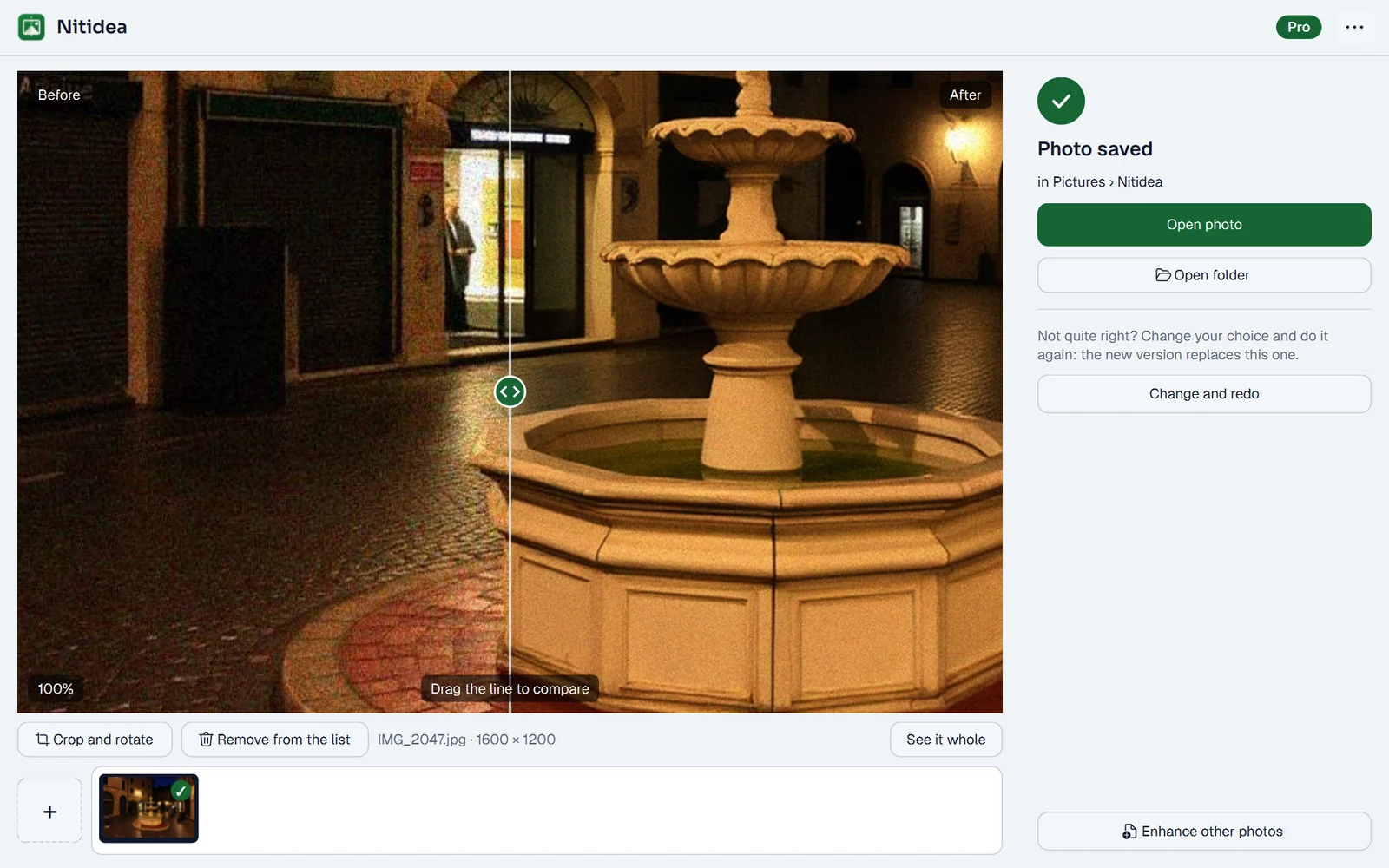
The photos in the app are sample pictures created with AI.
Features
Simple to use, careful with your photos
One screen: drop your photos, choose what you want, press Enhance. The hard part happens inside.
Restores old photos
Old photo: Remove scratches and dust finds the scratches, cracks and specks of an old print and fills them in from what is around them; Add colour colours a black-and-white or faded photo, a likely guess, not the real colours. Enlarge too makes it bigger for a new print, in the same go.
BeforeAfterSharper, without the grain
The grain of photos taken in dim light or with a phone goes away, while edges and details stay. A soft photo, or one received on a chat, gets its edges back.
Enlarges 2× or 4×
A small photo becomes a large one without turning blurry or blocky: 2 or 4 times, or just enough for a print from 10×15 cm to A3, or for a screen.
See it, and redo it
The saved photo opens before and after, at 100% on its most detailed spot, zoomable anywhere. Not quite right? Change and redo: the new version replaces it.
Graphics card or processor
With a recent graphics card a photo takes seconds; without one Nitidea still works, on the processor. The Enhance button says how long it will take. Three qualities in Settings: Fast, Standard and Maximum.
Keeps what matters
Date, camera and colour profile go from the original to the result. The original file is never changed: the result is a new file.
Your formats
Opens JPEG, PNG, HEIC (iPhone photos), WebP and TIFF, including 16-bit TIFF. Saves as JPEG, PNG or 16-bit TIFF. With Pro, videos too: MP4, MOV, AVI, MKV and camcorder files in, MP4 out.
Crop and rotate
Before enhancing, keep only the part you need, at the proportions you need, and level a tilted horizon.
Many photos at once
Add a whole folder, tick the ones to enhance and do them all in one go, while you do something else.
How it works
Drop, choose, enhance
No settings to learn: three choices in plain words, and the app picks the rest for your PC.
- The tutorial: every screen, step by step
- Read the step-by-step guide: enlarging, noise, chat photos, prints
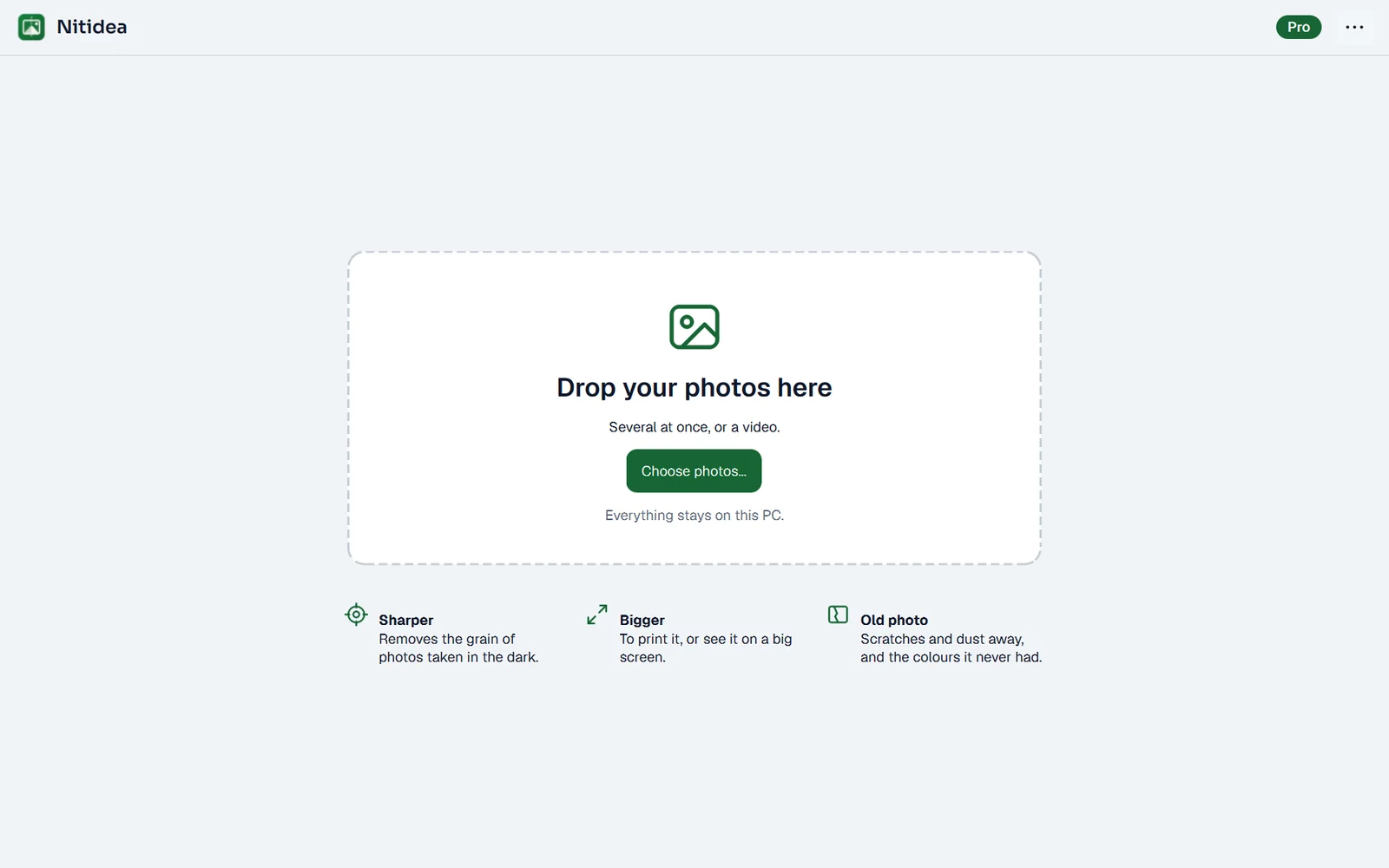
The photos in the app are sample pictures created with AI.
Privacy
Your photos stay on your PC
Online enhancers ask you to upload your photos to someone else’s computer. Nitidea does all the work on yours: family photos, documents and work stay where they are.
Nothing is uploaded
The AI runs on your PC. The app sends no photo, no file name and no usage data anywhere.
Works offline
Once installed, Nitidea needs no internet connection to enhance a photo.
No account
Nothing to sign up for. The Pro license is a key you paste into the app.
The original is safe
Nitidea never writes to your original. The result is a new file, in a folder you choose.
Download
Download Nitidea
One installer for Free and Pro: it runs as Free until you enter a license key.
Nitidea for Windows
Free version included. To unlock Pro, paste your key in the app: the ⋯ menu, Enter license key.
Version 4.0.0 · 782 MB · digitally signed
Download for WindowsBy installing Nitidea you accept the license agreement (EULA). See also the privacy policy.
What you need
- Windows 10 or 11, 64-bit
- Recommended: a graphics card with DirectX 12 (most from the last ten years). Without one Nitidea uses the processor, more slowly.
- 8 GB of memory; 16 GB for Maximum quality and for colouring old photos
- For videos: a graphics card (on the processor a minute of video takes hours) and 16 GB of memory
- About 2 GB of free disk space
FAQ
Questions
Are my photos uploaded anywhere?
No. Everything happens on your PC, and the app sends nothing about your photos. It contacts our server only when you enter a license key, to activate it, when you deactivate a PC, or when you click Check for updates. It never connects on its own.
Do I need a graphics card?
No, but it helps a lot. With a recent graphics card a 12-megapixel photo is enlarged in seconds; on the processor it takes minutes, so Nitidea chooses Fast quality for you.
Will the result look painted?
Nitidea is tuned to keep a photo looking like a photo: when it enlarges, the Natural look invents no detail. The result opens at 100%, before and after, so you judge for yourself, and Change and redo makes it again if you prefer.
What happens to the original?
Nothing. The result is a new file (photo_nitidea.jpg) in Pictures › Nitidea or the folder you choose, with the original’s date, camera and colour profile.
Is the free version really free?
Yes: no watermark, no time limit, no account. It does one photo at a time, up to 2× and 8 megapixels (or the original’s size, if larger).
Does the Pro license expire?
No. You pay once and the version you have works forever. The 12 months are for updates: every version released in that time is yours.
On how many PCs can I use Pro?
On 2, for example a desktop and a laptop.
Can Nitidea restore old photos?
Yes, with Pro. Scan the print, or photograph it flat in even light, and add it. Choose Old photo: Remove scratches and dust fills in scratches, cracks and specks and, for a black-and-white or faded print, Add colour gives it colour. The colours are a likely guess, not the real ones. Enlarge too makes it 2 times bigger in the same go, for a new print, and the result opens before and after as soon as it is saved.
Can Nitidea enhance videos?
Yes, with Pro. Drop the video in, choose Sharper or Bigger, 2 or 4 times (up to 4K) or, for an old film, Old film: Add colour, Steadier light or Smoother motion. Trim… lets you try a few seconds first. The result is an MP4 with the original sound; the original is never changed.
How long does a video take?
Much longer than a photo: every frame is one. With a mid-range graphics card a minute of 720p video enlarged 2 times takes about ten minutes, a minute of Full HD enlarged to 4K about twenty; without a graphics card, hours. Nitidea says the time expected on your PC before you start, and Trim… lets you try a few seconds first.
What does the installer add, and how do I uninstall Nitidea?
Nitidea itself, a Start menu entry and, if you leave them ticked during setup, a desktop icon and “Enhance with Nitidea” on the right-click menu of photos. Nothing else: no other programs, nothing that runs at startup or in the background. To remove it, open Windows Settings › Apps, choose Nitidea and Uninstall; the menu entry goes with it. Your settings and license key stay on the PC for a reinstall; to move Pro to another PC, first click Deactivate this PC in the app’s license window.
Contact
A question, a photo that didn’t come out well?
Write to us: a real person answers, by email, in English or Italian. You get a confirmation straight away.
Help with the app
A photo that didn’t come out as you hoped, a licence key, an error: tell us what happened and we will help.
Ideas and suggestions
A feature you are missing, a kind of photo it should handle better: ideas from the people who use Nitidea shape the next versions.
Or write to us directly at support@nitidea.com.